
Create your free NinjaTrader account. This takes about 5 minutes and gets you access to the platform, sim trading, and everything you need to run our algorithms.
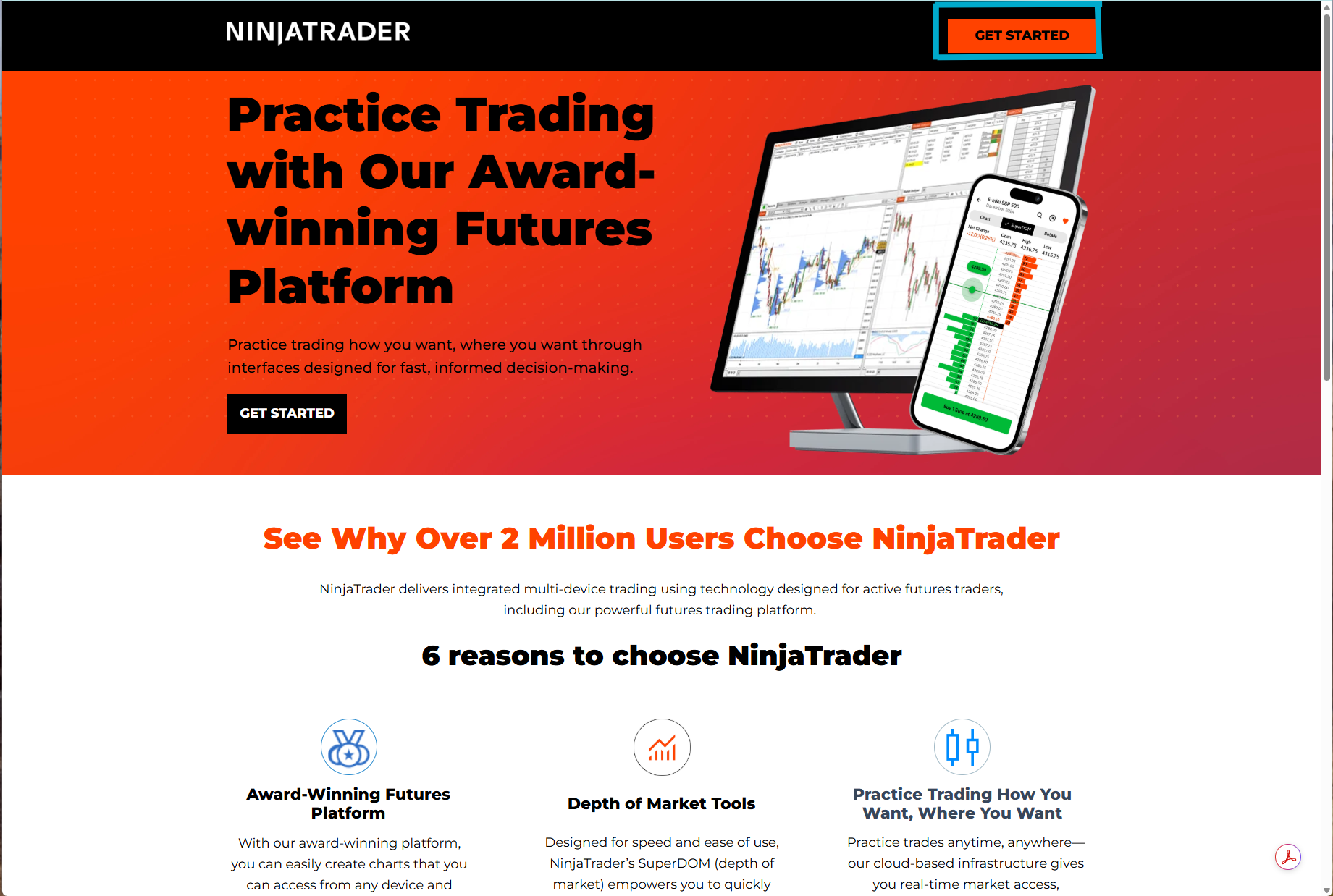
Go to NinjaTrader.com and click "GET STARTED" in the top-right corner.
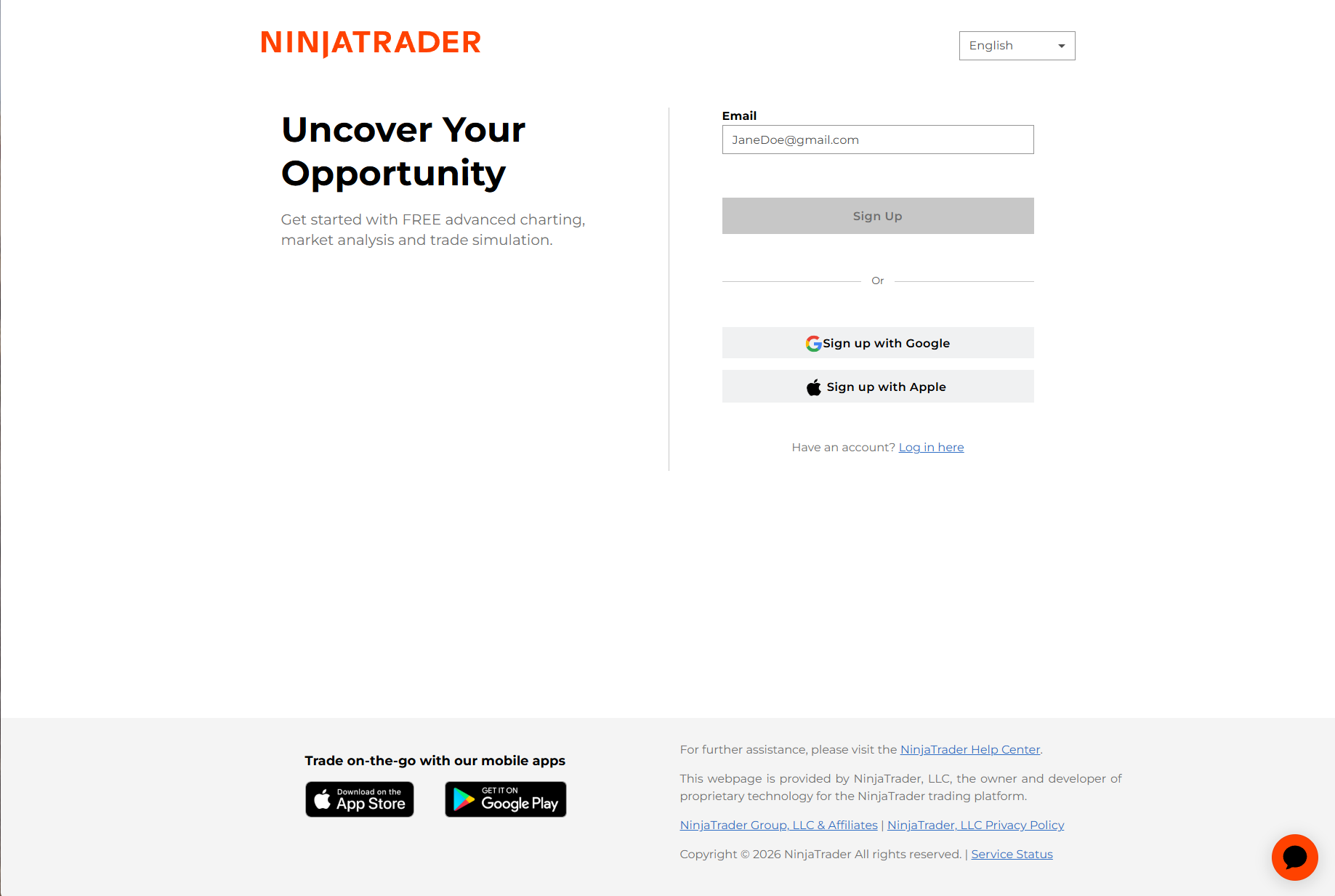
You'll land on the sign-up page. Enter your email address and click "Sign Up". You can also sign up with Google or Apple if you prefer.
Use a real email you check regularly - NinjaTrader will send license keys, account info, and verification links here.
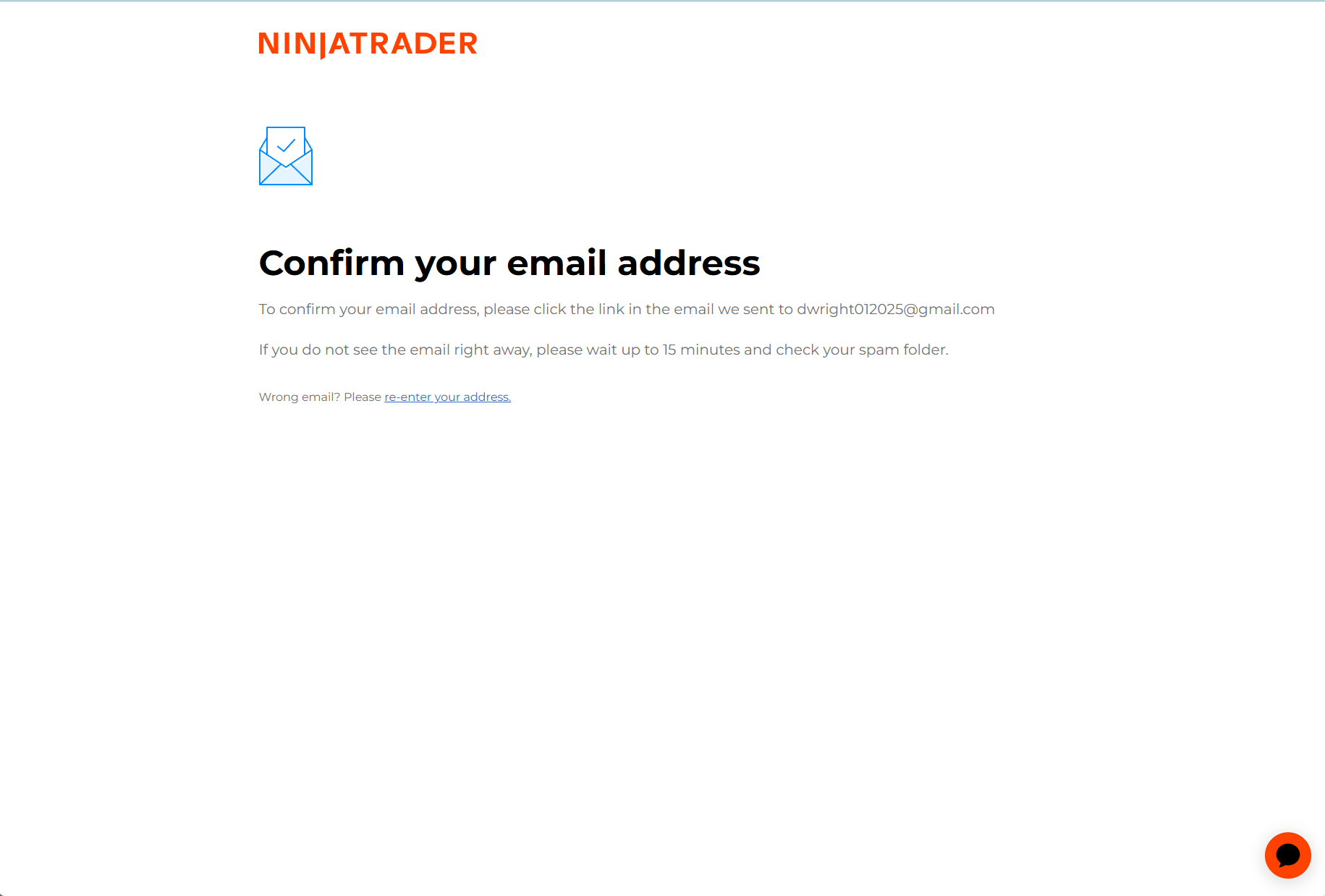
After signing up, NinjaTrader will show a confirmation page telling you to verify your email address. Head to your inbox.
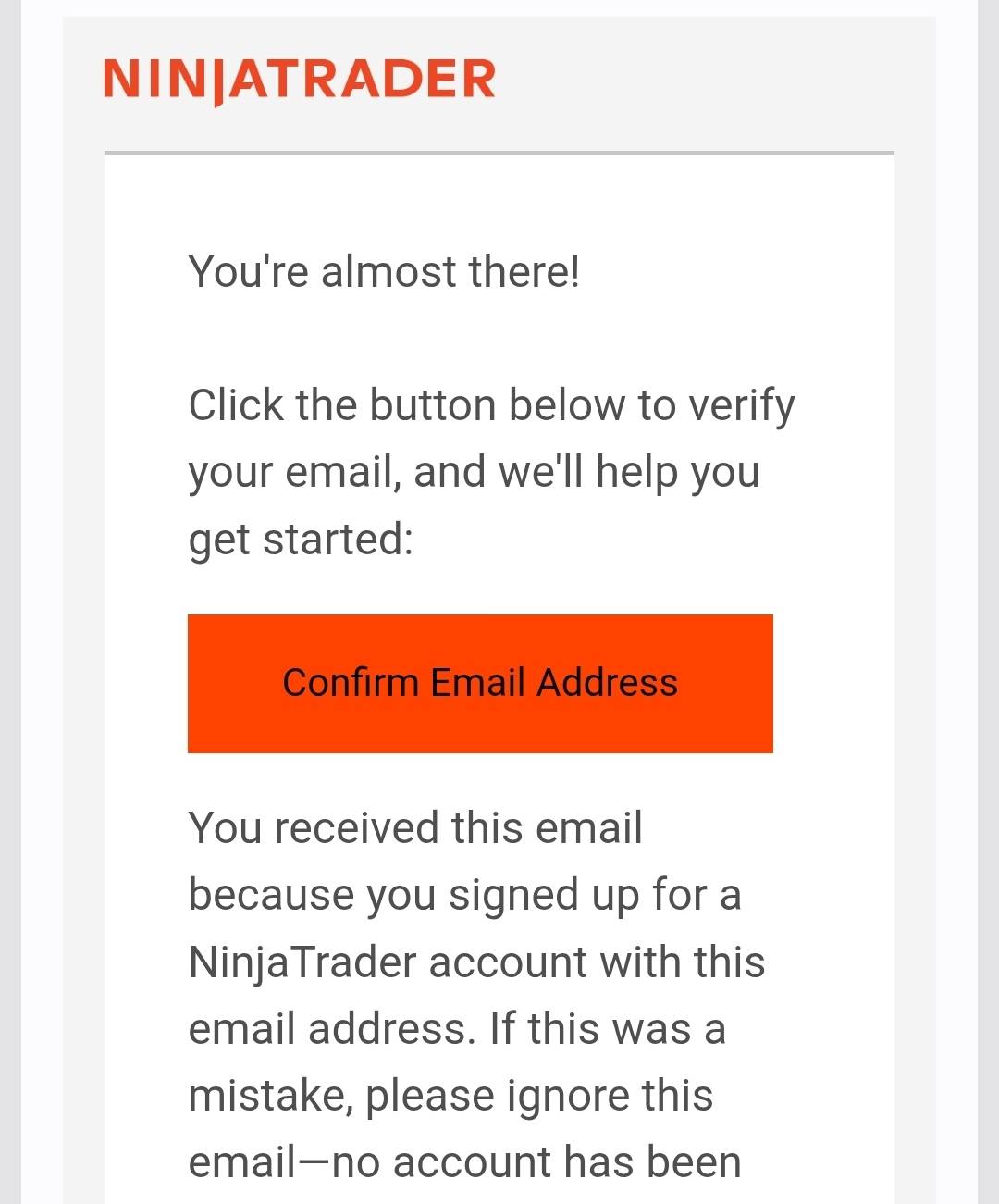
Open the email from NinjaTrader and click the "Confirm Email Address" button.
Check your spam/junk folder. The email comes from NinjaTrader and sometimes gets filtered. If you still don't see it after 15 minutes, go back to the signup page and try resending.
Select "Individual" - this is the most common option and what nearly all of our clients use.
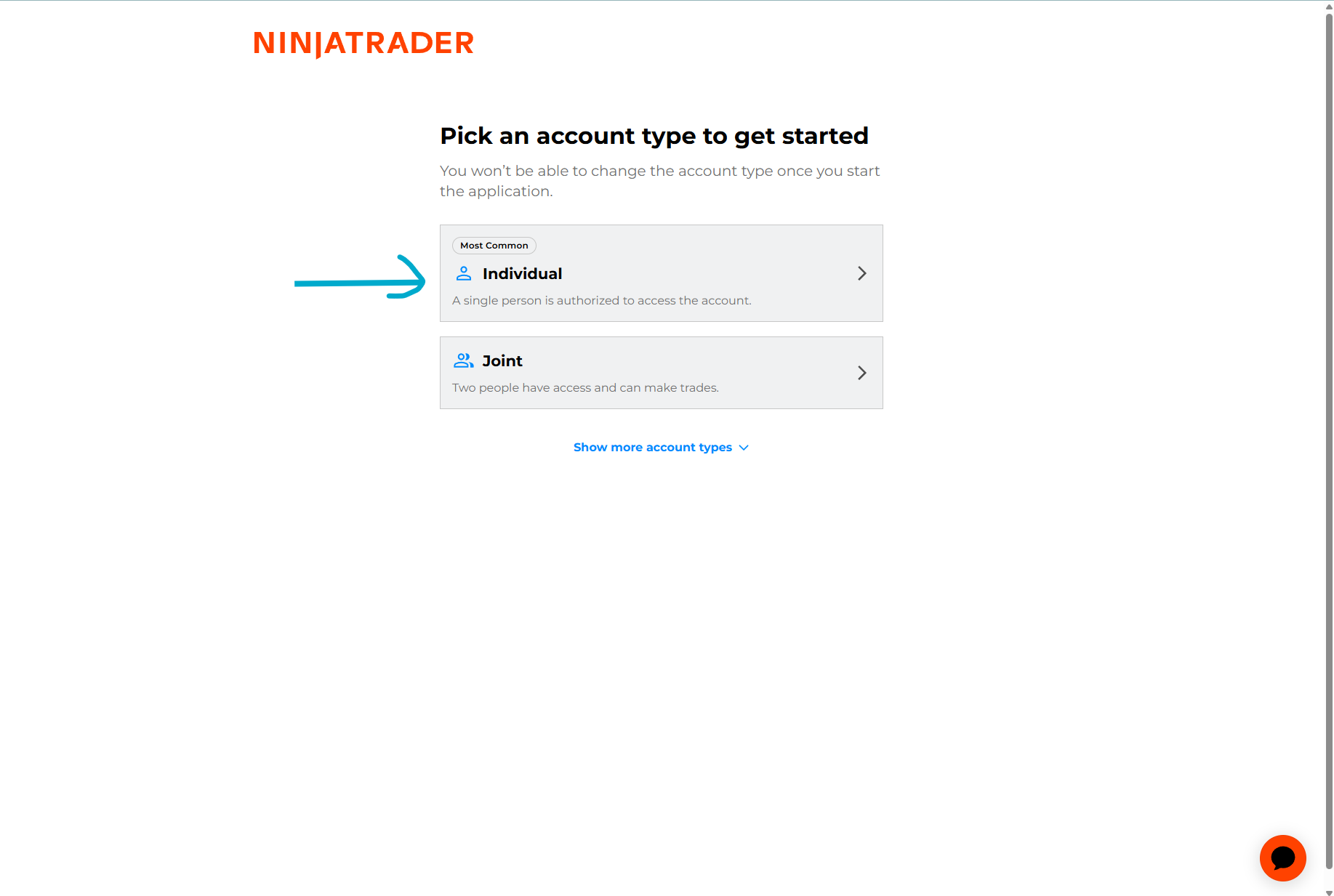
You'll see two options:
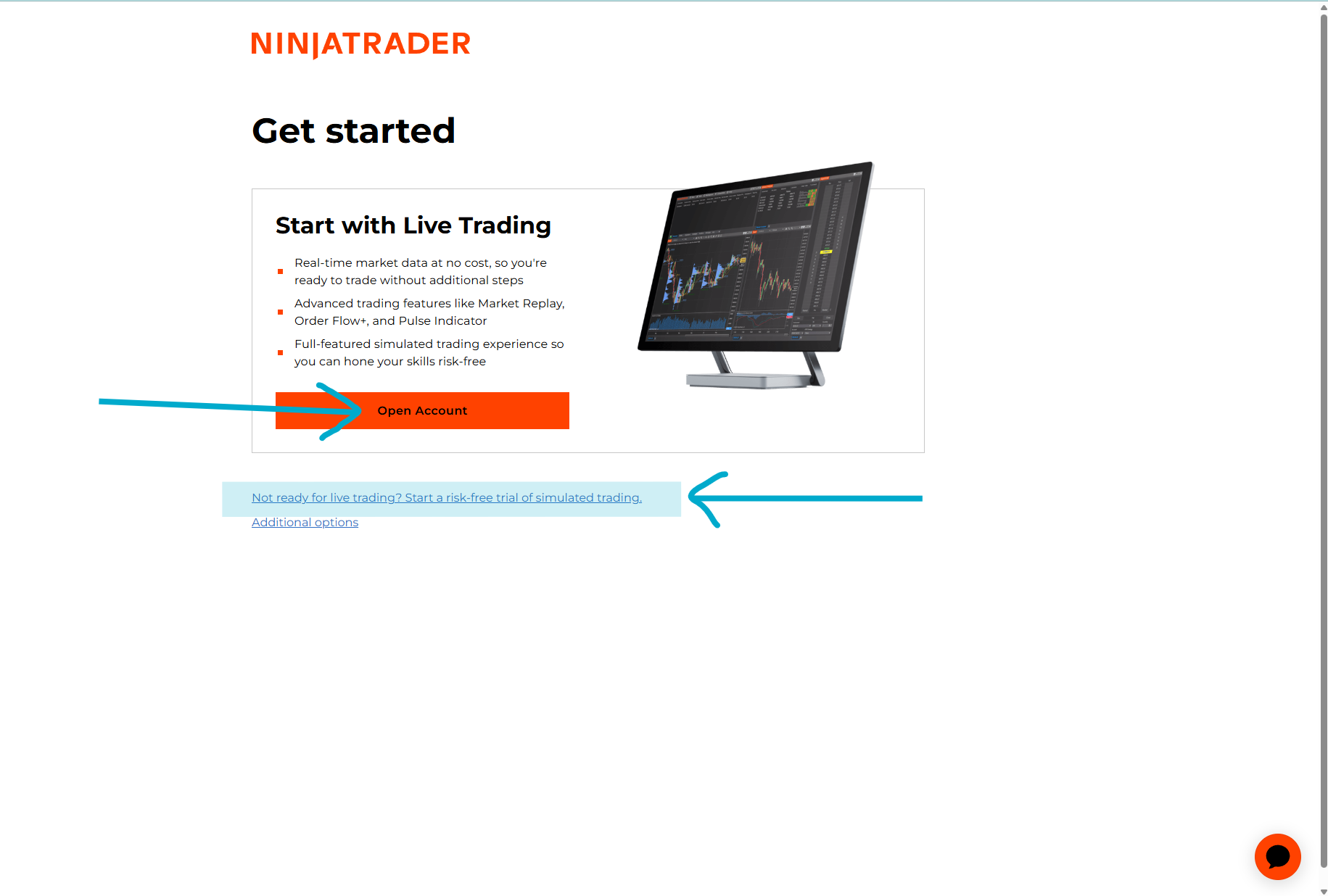
If you're connecting through a prop firm (like Apex Trader Funding) or your own broker using Rithmic or Tradovate, you don't need a NinjaTrader brokerage account - just the free sim trial to get platform access. Your broker provides the data connection.
The sim trial gives you full platform access so you can install algorithms, practice, and get comfortable before going live.
When prompted to choose your platform, select "Desktop". Our algorithms require the desktop application - the web version does not support third-party strategies.
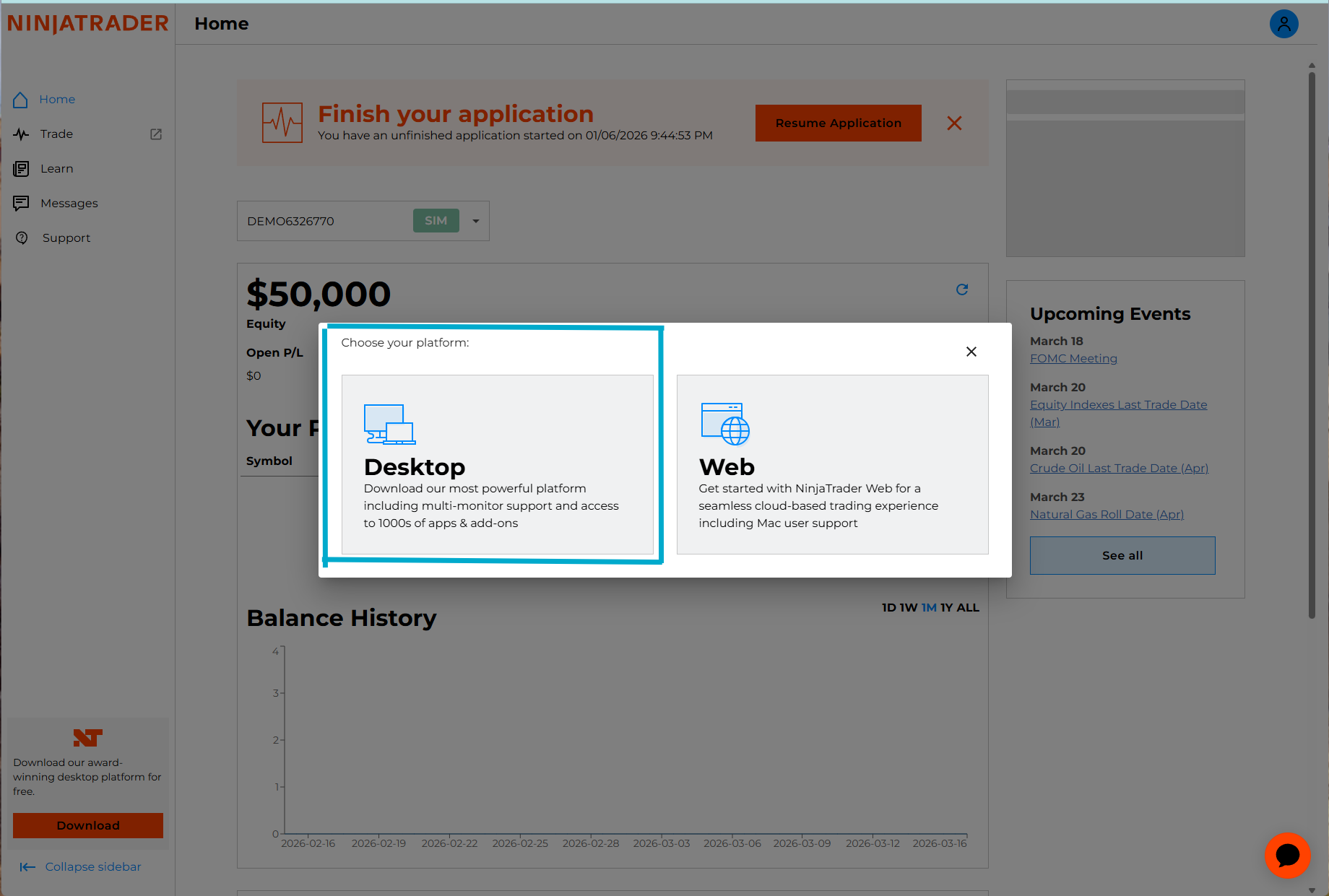
NinjaTrader Web does not support custom NinjaScript strategies. You must use the Desktop application to run Oracle algorithms.
This depends on how you're connecting:
Your broker provides the data feed. If you are only trading through your prop firm or broker, you do NOT need a NinjaTrader market data subscription. Skip this step entirely.
However, if you want to run both a NinjaTrader cash account and a Rithmic/Tradovate connection at the same time, you'll need a Level 1 market data subscription through NinjaTrader.
You'll need to subscribe to Level 1 market data through NinjaTrader for live price data on futures contracts (NQ, MNQ, etc.).
To subscribe: Log in at account.ninjatrader.com and go to Market Data Subscriptions.
The majority of our clients trade through prop firms like Apex (Rithmic connection) and get their data feed included. You only need a NinjaTrader data subscription if you're also running a cash account through NinjaTrader's brokerage.
Before moving on, confirm: